

Amazon Alexa and Yardian
The Yardian Skill for Amazon Alexa allows you to use your voice to control your Yardian smart sprinkler controller.
What’s New!
With our latest update, active Yardian zones now automatically appear as smart devices in your Alexa App. This means you can control individual zones directly from the Alexa app interface, add your sprinklers to custom Alexa Routines, and use simple, direct voice commands alongside our traditional “Ask Yardian” features.
Getting Started
To get started, you need a Yardian account. You can create your account through the Yardian mobile app or the Yardian web app.
Create your account and log in to the Yardian app.
Add your Yardian device and enable the zones connected to your sprinkler valves.
Open the Amazon Alexa app, search for the Yardian skill, and follow the instructions to link your account.
Once connected, there are two ways to control your Yardian system:
1. Smart Home Voice Control (Direct Device Control)
Best for: Quick toggles, using exact zone names, and Alexa Routines.
Because each active Yardian zone now acts as a Smart Home switch, you can turn zones on or off at any time using the custom zone names you created in the Yardian App. By default, turning a zone on via a Smart Home command will water for 10 minutes unless you explicitly turn it off earlier.
Smart Home Voice Commands:
“Alexa, turn on Front Garden.”
“Alexa, turn off Zone 2.”
“Alexa, turn on My Zone 6.”
(Note: Smart Home commands require you to use the exact zone names defined in your Yardian App).
2. Custom Skill Control (Specific Timers & Advanced Features)
Best for: Custom watering durations, running multiple zones in sequence, and checking schedules.
For quick watering sessions with custom durations, or to ask about your watering schedule, you can talk to Yardian directly using zone numbers.
Custom Skill Voice Commands:
Run a specific zone for a set time: “Alexa, ask Yardian to water Zone 1 for ten minutes.”
Run your multi-zone Quick Program: “Alexa, ask Yardian to start watering.”
Stop a current watering task: “Alexa, ask Yardian to stop watering.”
Check your schedule: “Alexa, ask Yardian about the next watering task.”
Identify a zone: “Alexa, ask Yardian about the zone name.”
(Note: Custom skill commands accept zone numbers, e.g., Zone 1 through Zone 12, along with a specific watering duration).
Please follow the instructions to learn how to link the Yardian Skill and set up the Amazon Echo smart speaker in the Alexa app.
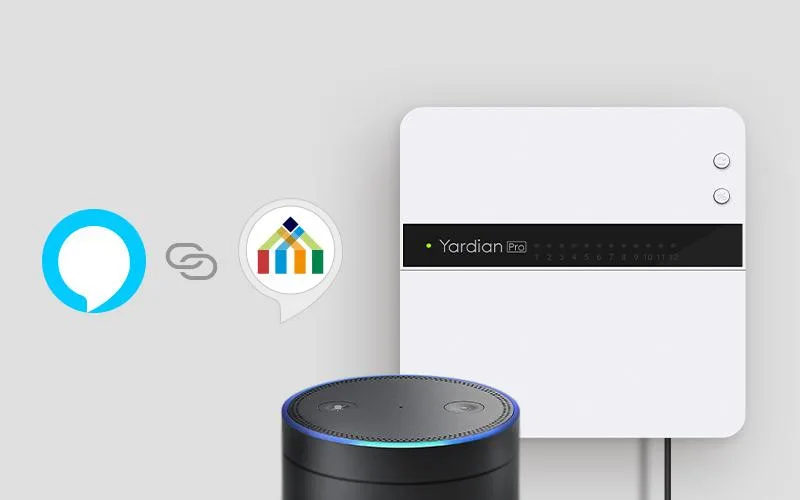
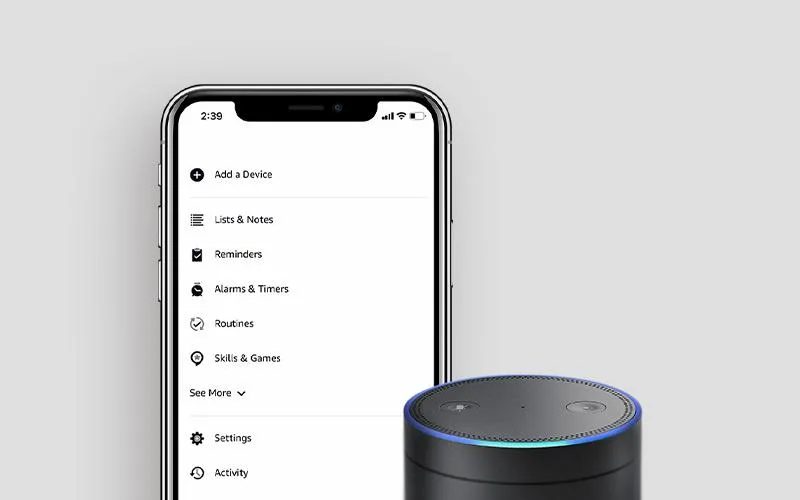
Try it for yourself now, and integrate your irrigation system directly into your Alexa Smart Home ecosystem!
Having Trouble with Alexa Mishearing "Yardian"? Use Alexa Routines
Because “Yardian” is a unique brand name, voice assistants can sometimes mishear it as “Guardian” or “Yarding.” If you prefer using Custom Skill commands with a watering duration but want to avoid pronunciation issues, you can create a custom Alexa Routine.
Alexa Routines allow you to invent your own simple trigger phrases, like “Alexa, water the lawn” or “Alexa, start the sprinklers”, to automatically run your favorite Yardian Custom Skill commands in the background. You get the exact watering duration you want without ever saying the word “Yardian.”
Read our step-by-step guide on how to set up Custom Alexa Routines
Try it for yourself now, and integrate your irrigation system directly into your Alexa Smart Home ecosystem!
Yardian Custom Skill Voice Commands
Invocation
- Alexa, ask Yardian
- Alexa, launch Yardian
Run a zone
- Start watering
- Start zone two for 1 hour
- Run zone three for half an hour
- Turn on zone five for 15 minutes
- Water zone one for 10 minutes
- Begin watering in zone four for 15 minutes
Stop a zone
- Turn off
- Turn it off
- Stop current watering task
- Stop watering
- Stop current watering
- Turn off watering
Ask about the next watering task
- Next watering task
- Next watering time
- What is the next watering task
- When will be the next run
- When is the next run
- When is the next time for watering
- Next watering task in Yardian
Ask about the zone name
- Tell me the name of zone two
- Zone name of zone three
- What is the name of zone one
- What is zone two
- Name of zone five
- What is zone three called
- What do I call zone two